How to find the sqlite file from iOS simulator when developing an Expo app
Find simulator devices and their IDs
xcrun simctl list devices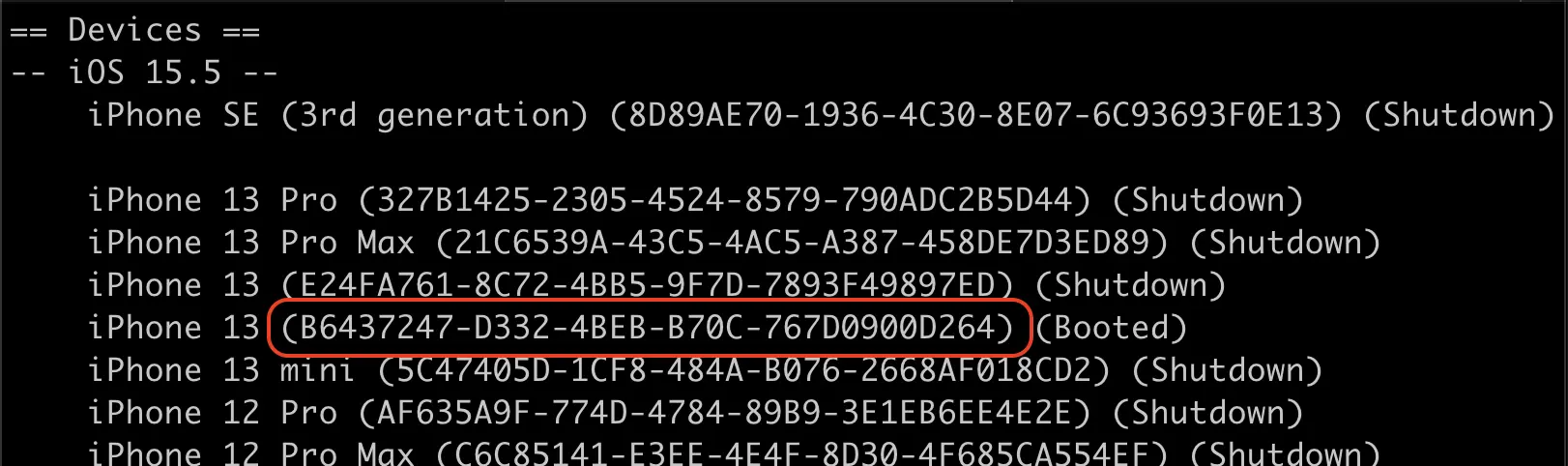
Copy the ID and go to the device
cd ~/Library/Developer/CoreSimulator/Devices/[DEVICE_ID]Find your db file
# if you know the name of your database file
find . -name "DB_NAME.db" -type f
# find all database files on your device
find . -name "*.db" -type f
# OR
find . -name "*.sqlite" -type fCopy the path to the folder that holds your file
cd data/Containers/Data/Application/955C7D59-F73C-440E-95FC-1C80A63F031F/Documents/ExponentExperienceData/@anonymous/chia-27ac927c-7874-4f72-a694-b9ebba8ed674/SQLite

ls
Updated Aug 6, 2024